OurScreen turns one recording into a video ready to teach.
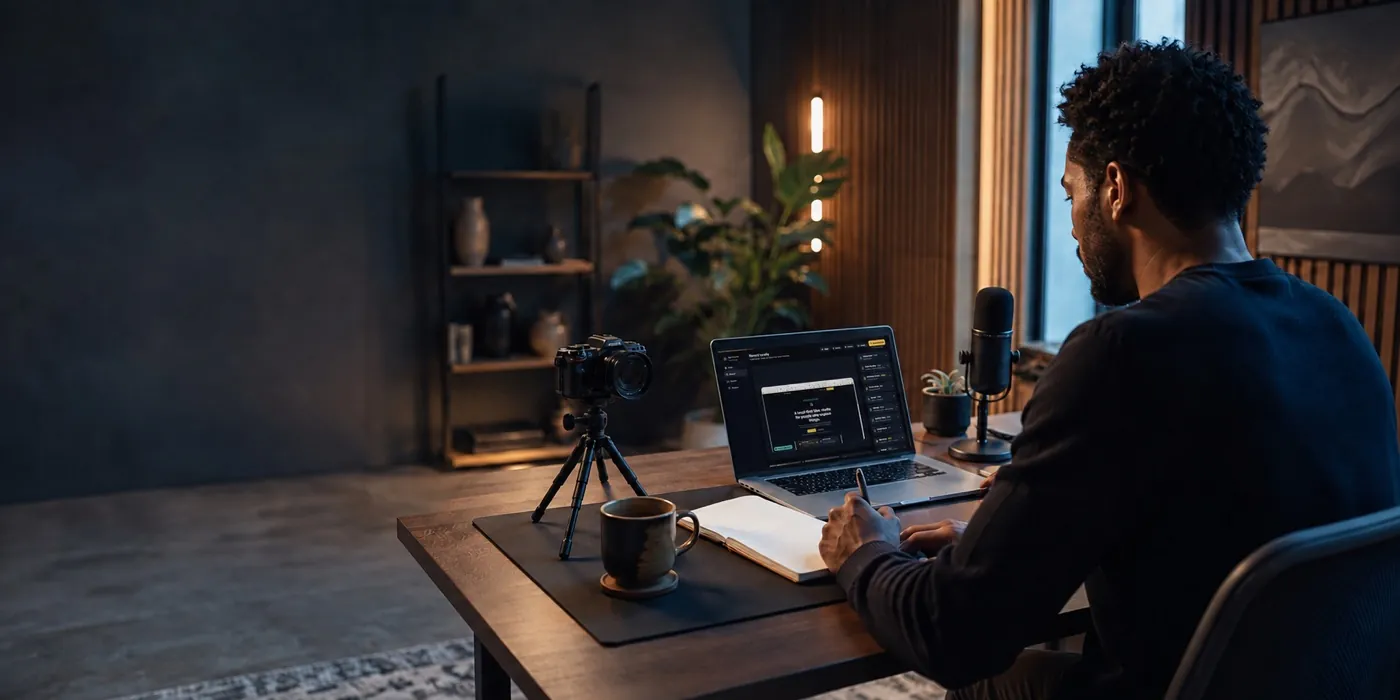
Capture your screen, camera, microphone, and system audio together. After the take, Smart Director suggests useful zooms, captions, framing, and speech cleanup. You review every change before export.
Signed and notarized for macOS. Your working files stay on your Mac unless you choose to export or share them.
What is OurScreen?
OurScreen is a local-first Mac screen recorder and teaching video studio for people who explain lessons, products, software, prompts, and ideas. It records your screen, camera, microphone, system audio, clicks, captions, and Screen Draw moments in one focused workflow, then helps you polish and export without jumping between apps.
Record clearer lessons
Capture screen, camera, voice, system audio, Explain drawings, and captions while keeping raw class recordings on your Mac.
Ship demos faster
Use Auto Zoom, Camera styles, title cards, caption styles, and custom backgrounds to turn a normal screen recording into a finished video.
Review before upload
Your recording stays local by default, so you decide what gets exported, shared, uploaded, or deleted.
Three ways people use OurScreen to get out the door faster

Educator
The 6pm lesson recording
You're recording a walkthrough after a full day of teaching. You don't have energy left to also learn a timeline. Hit record, talk through it once, export.

Course creator
The tenth module this month
You've got forty more lessons to record. OurScreen's per-click zoom and auto-captions mean lesson six looks as polished as lesson one, without you doing it by hand.

Support & onboarding
The "just send them a Loom" ask
Someone needs a walkthrough in the next ten minutes. Explain mode turns your screen into a whiteboard mid-recording, so you can point and draw as you talk.
Smart Director shows the work that remains. You decide what happens next.
The editor keeps the recording, preview, tools, and finish guide visible together. Suggested changes do not become permanent until you approve them.

From “let me record this” to a finished video
Record
Capture your screen, camera, microphone, system audio, clicks, and Screen Draw moments in one take.
Review the suggestions
Smart Director analyzes the recording and proposes zooms, captions, framing, and cleanup. Accept only the changes that help.
Export and share
Choose the format for your course, YouTube video, demo, or social clip, then export from the same project.
You don't add the annotations later. You draw them while you're already talking.


97 caption languages, Urdu script, and editable lesson layers


The four things that usually eat your editing time
OurScreen begins with the work educators and creators repeat most: record, explain, review, and export. Smart Director proposes a useful first pass, while the timeline stays available whenever you want detailed control.
What people ask before installing OurScreen
Does OurScreen upload my recordings?
No. OurScreen is local-first. Recording and project files stay on your Mac unless you choose to export, upload, or share them.
Does Smart Director change my video automatically?
It analyzes the project after recording and proposes improvements. You review the suggestions before applying them, and the timeline remains editable.
Can OurScreen create Urdu captions?
Yes. On-device captions support 97 languages, including Urdu, with editable styles and Nastaliq presentation options.
What is included in the free trial?
You can test the complete recording, editing, captioning, Smart Director, and export workflow for 15 days on one Mac. No credit card is required.
Try it free. Pay once you're relying on it.
Trial
$0 / 15 days
- Full recording and editing workflow
- No credit card to start
- One Mac
Yearly
$25 / year
- Full Mac app
- Unlimited projects and exports
- Updates during your subscription
Founder Lifetime
$59 once
- Core Mac app, limited spots
- All 1.x core app updates
- No annual renewal
Your next recording could already be the last edit you do by hand.
Start your free 15-day trialNo credit card. Cancel by simply not paying.
Get OurScreen for Mac.
Enter your email and we will send your personal trial code with the signed Mac download. No credit card is required.
One email with your trial code and download. See our privacy policy.