Best screen recorder for product managers on Mac
Direct answer: Product managers need a recorder that captures context quickly, highlights the right interaction, protects sensitive information, and exports a shareable demo without a long editing workflow.
Product videos are different
A product manager recording is rarely just a tutorial. It may explain a decision, show a bug, compare before and after, or prepare a launch demo.
That means the recorder needs both speed and polish. Internal videos should be fast. Public demos should look designed.
Core requirements
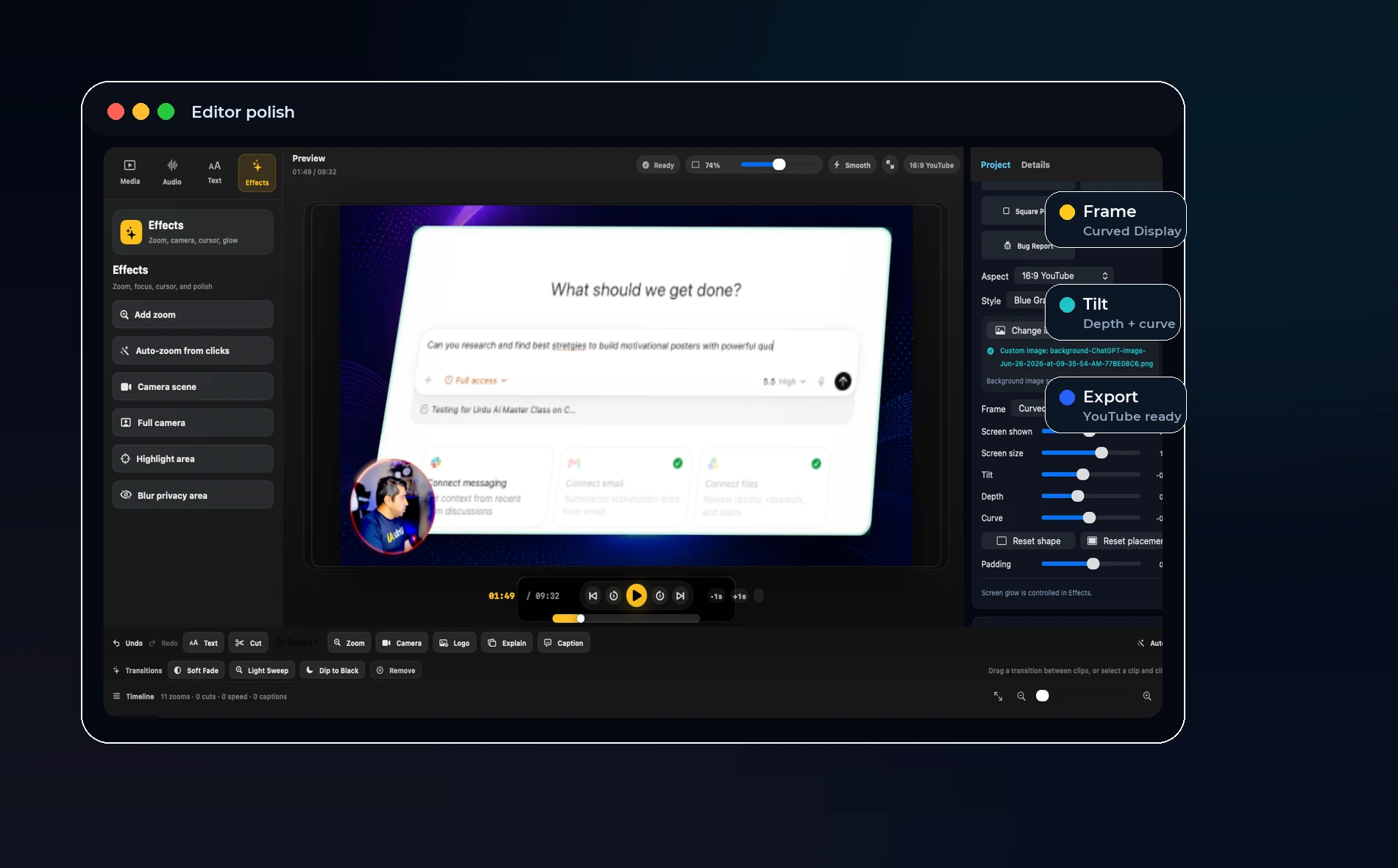
Product managers should look for click zooms, camera bubble control, blur or privacy areas, captions, quick cuts, and export presets.
The screen should remain readable, and the presenter should be easy to move out of the way when the UI matters.
OurScreen’s fit
OurScreen is useful for PMs because it turns a rough walkthrough into an editable project. The same recording can become an internal update, a launch clip, or a customer-facing explainer.
Local-first storage also matters because product videos often include unreleased features, customer data, or private dashboards.
Best use cases
Use it for sprint demos, roadmap updates, bug reproduction, feature announcements, training videos, onboarding clips, and release notes.
Try OurScreen: OurScreen is a local-first Mac studio for people who explain things. Join the pricing page if you want to test the signed Mac build.
FAQ
Should product managers record with camera?
Use camera when trust or explanation matters. Hide or reduce it when the interface is the focus.
Do product videos need captions?
Yes, especially for async team updates where people watch without sound.