How to draw on your screen while recording on Mac
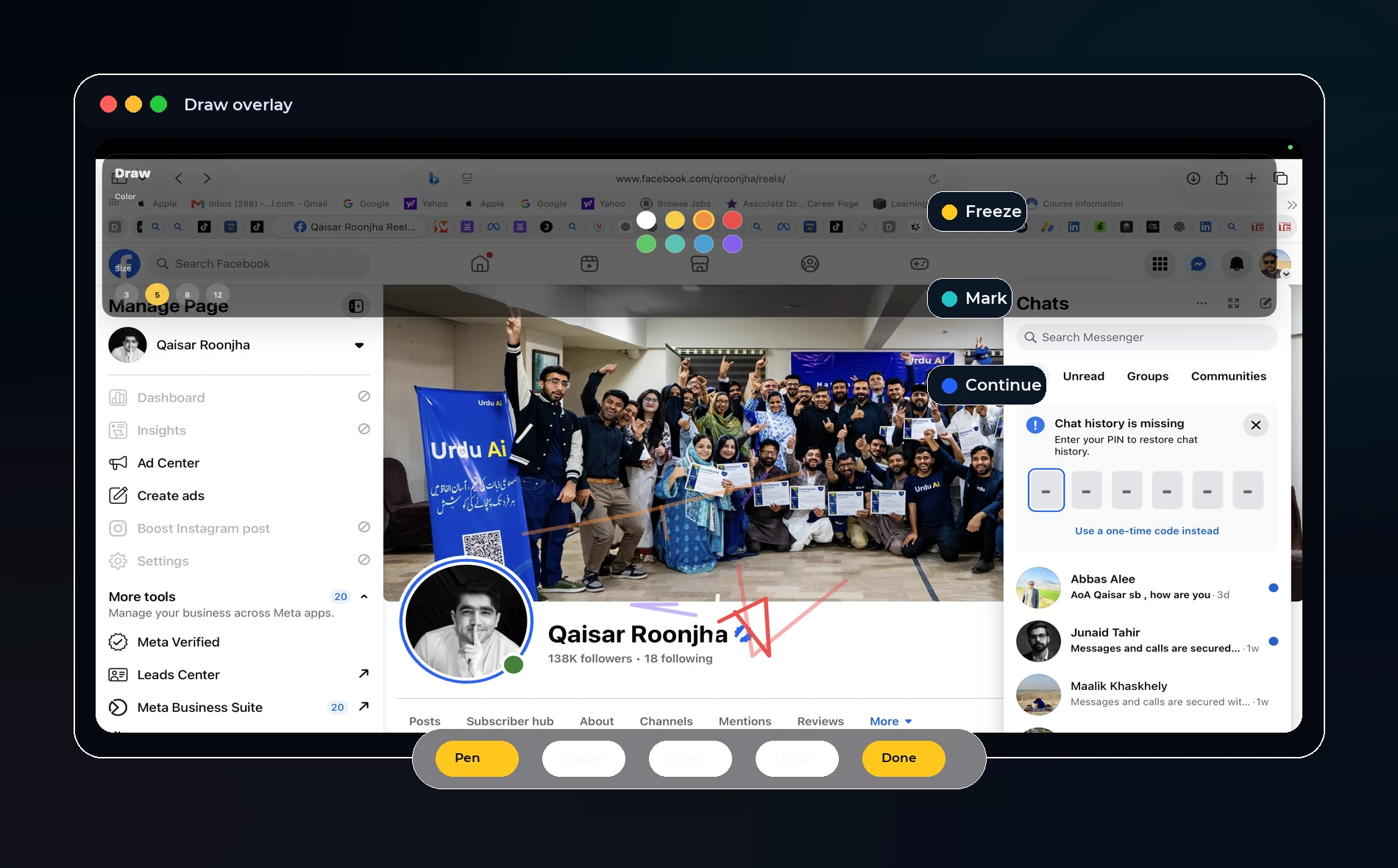
Direct answer: The best drawing workflow is lightweight: freeze or mark the screen only when explanation needs it, keep the toolbar small, and return to the live app quickly so the recording stays focused.
Why drawing helps
Screen recordings often fail because the viewer does not know where to look. A small arrow, circle, underline, or highlight can guide attention faster than a long spoken explanation.
For teaching, drawing helps with formulas, web pages, diagrams, and feedback. For product demos, it helps point to buttons, menus, settings, and mistakes.
Live screen drawing vs a teaching board
A teaching board is best when you need a blank space to explain a concept. Live screen drawing is best when you need to mark something already visible inside the app or website.
A strong recording tool should support both, but neither should feel like a full design app. The goal is clarity, not decoration.
OurScreen’s direction
OurScreen’s Explain tools are designed around fast marking: draw, highlight, point, and continue. The recording should keep the presenter in control instead of forcing them into a heavy whiteboard workflow.
This is why the drawing surface, toolbar, and color options need to stay simple. If a feature slows down the lesson, it does not belong in the first recording flow.
Best practices
Use one or two colors, erase quickly, and avoid covering the main content. If the viewer needs to study a diagram, switch to a board. If they only need direction, draw on the screen and move on.
Try OurScreen: OurScreen is a local-first Mac studio for people who explain things. Join the pricing page if you want to test the signed Mac build.
FAQ
Should drawing be recorded as part of the screen?
Yes, if the drawing is meant for the viewer. The simplest mental model is: if you see it during the explanation, the exported video should show it.
Do I need a full whiteboard app?
Not for most tutorials. A few fast tools usually beat a complex board during live recording.