Screen recorder with background removal for Mac presenters
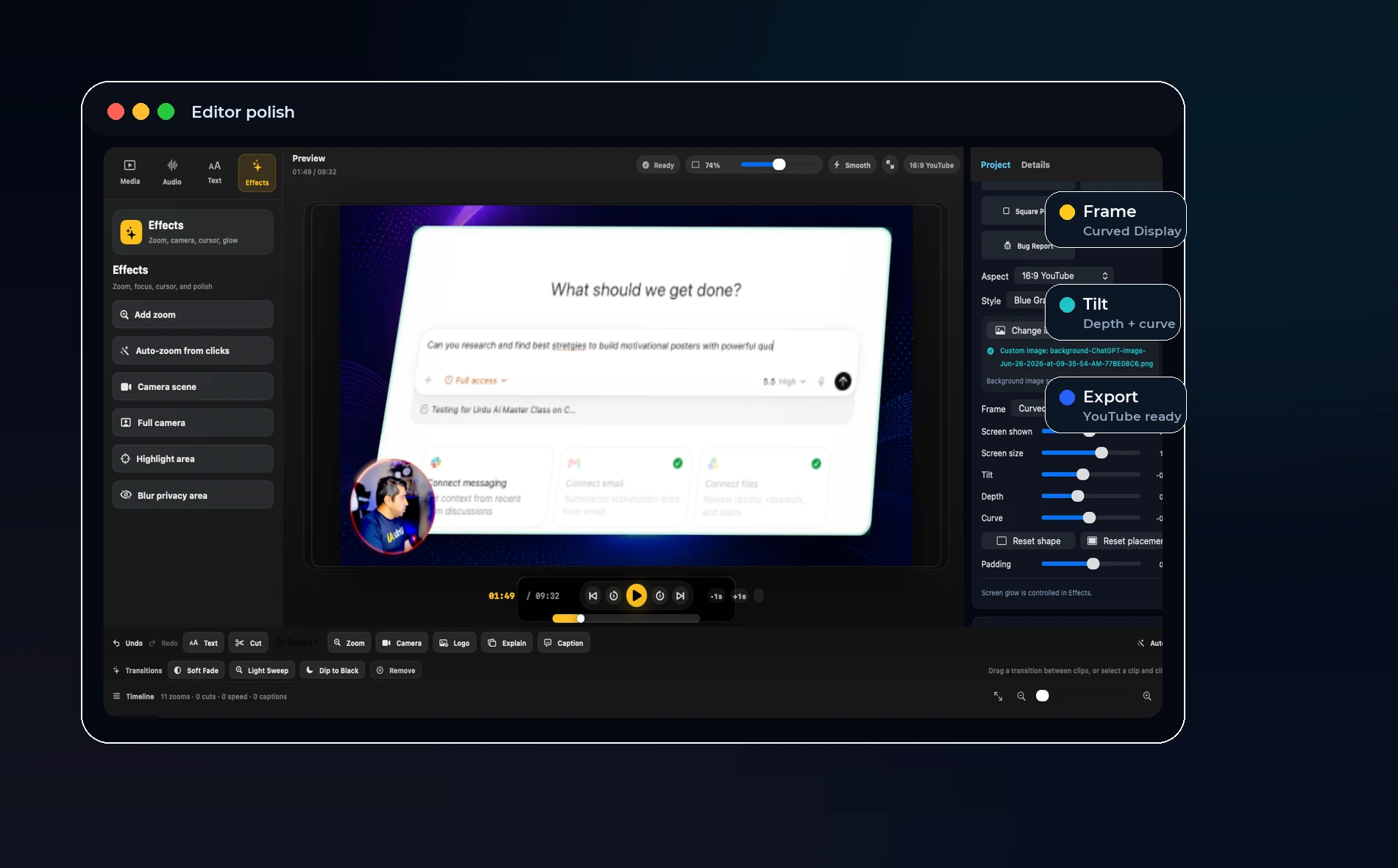
Direct answer: Background removal is useful when the presenter should feel part of the lesson, but it should be optional, editable, and subtle enough that the screen remains the main subject.
Why creators want background removal
A clean presenter layer can make a screen recording feel more personal without showing a messy room. Teachers, trainers, and founders often want the viewer to see the face but not the background.
The danger is overprocessing. Bad background removal creates shimmering edges, strange hair outlines, and a distracting presenter effect.
What to look for
Look for a recorder that lets you adjust size, opacity, placement, and style after recording. Background removal should not lock you into one look.
The best workflow is to record safely first, then tune the camera scene in the editor. That way a good lesson is not ruined by one imperfect camera choice.
Where it fits in OurScreen
OurScreen already treats the camera as an editable layer. That makes background removal a natural future control: keep the person, remove the room, then place the presenter where the lesson needs them.
For launch, the priority is reliability. For the next stage, background removal can become a premium polish feature for demos, courses, and social clips.
When not to use it
Do not use background removal if the cutout looks worse than the original camera. A simple circle camera bubble can be more professional than a broken cutout.
Try OurScreen: OurScreen is a local-first Mac studio for people who explain things. Join the pricing page if you want to test the signed Mac build.
FAQ
Is background blur enough?
Often yes. Blur is lighter and more forgiving. Full removal is best when the presenter needs to appear over the screen.
Can background removal be done after recording?
That is the better workflow for many creators because it keeps the original camera recording available for edits.