How to record training videos for teams on Mac
Direct answer: Team training videos should be short, searchable, captioned, and recorded with enough context that a new person can follow without asking the trainer to repeat the same explanation.
Why teams need recorded training
Every growing team repeats the same explanations: how to use a tool, submit a form, follow a process, onboard a client, or fix a common problem.
Recording these once saves time, but only if the video is clear enough to reuse.
The training video formula
Start with the outcome, show the exact screen, explain each decision, mark important areas, and end with the next action. Keep one video focused on one process.
If a topic needs more than ten minutes, split it into smaller chapters.
Recording setup
Use screen and microphone as the base. Add camera only when it helps. Use captions for accessibility and for team members watching without sound.
If the process includes private data, record a sample account or blur sensitive areas before sharing.
OurScreen’s fit
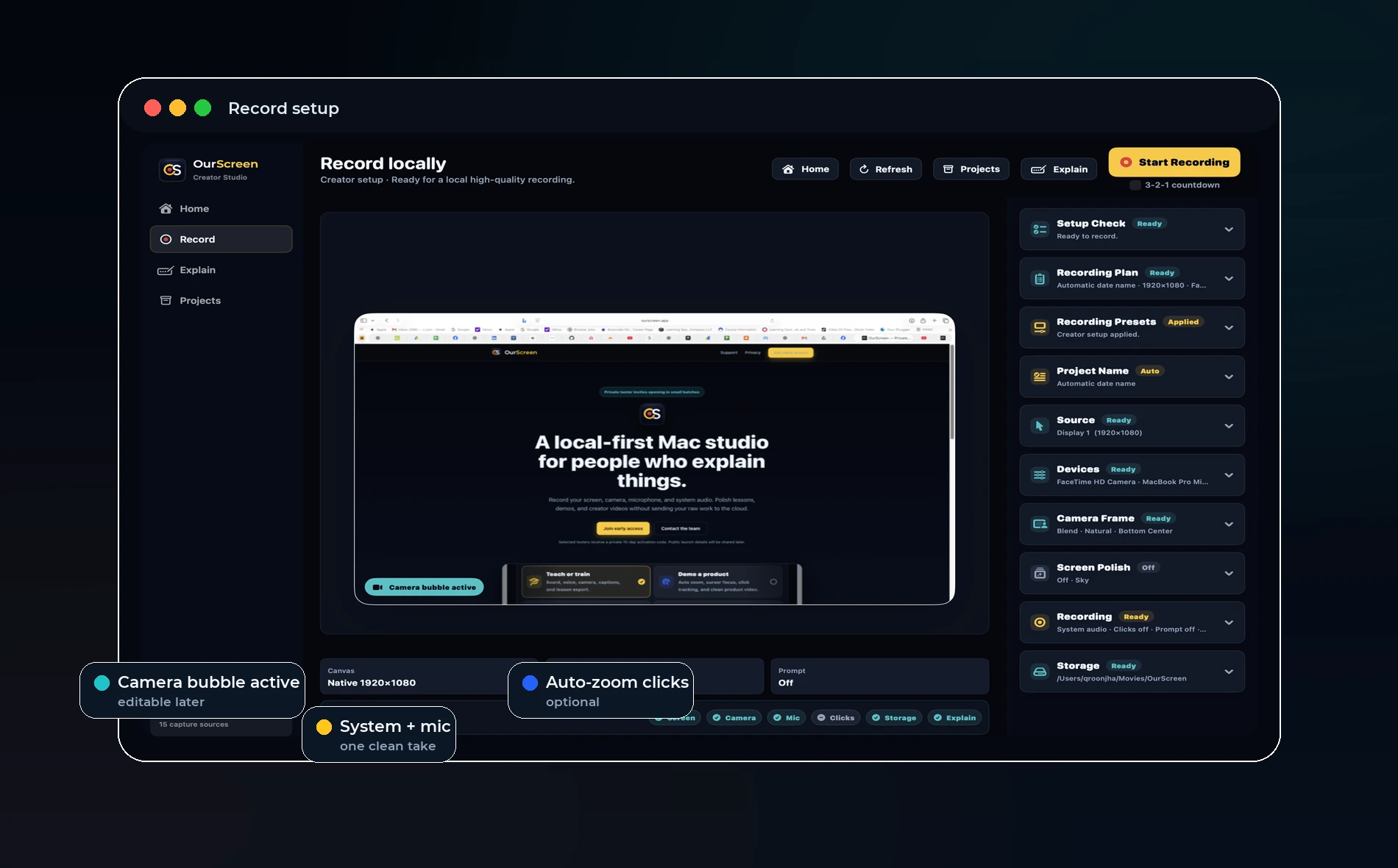
OurScreen supports this kind of practical training workflow because recording, editing, board moments, captions, and export live in one Mac app. The goal is less production work and more reusable knowledge.
Try OurScreen: OurScreen is a local-first Mac studio for people who explain things. Join the pricing page if you want to test the signed Mac build.
FAQ
How long should a training video be?
Most internal training videos work best between two and eight minutes.
Should training videos be polished?
They should be clear and easy to follow. Over-polish can slow teams down.