OBS alternative for teachers on Mac: simpler recording without broadcast setup
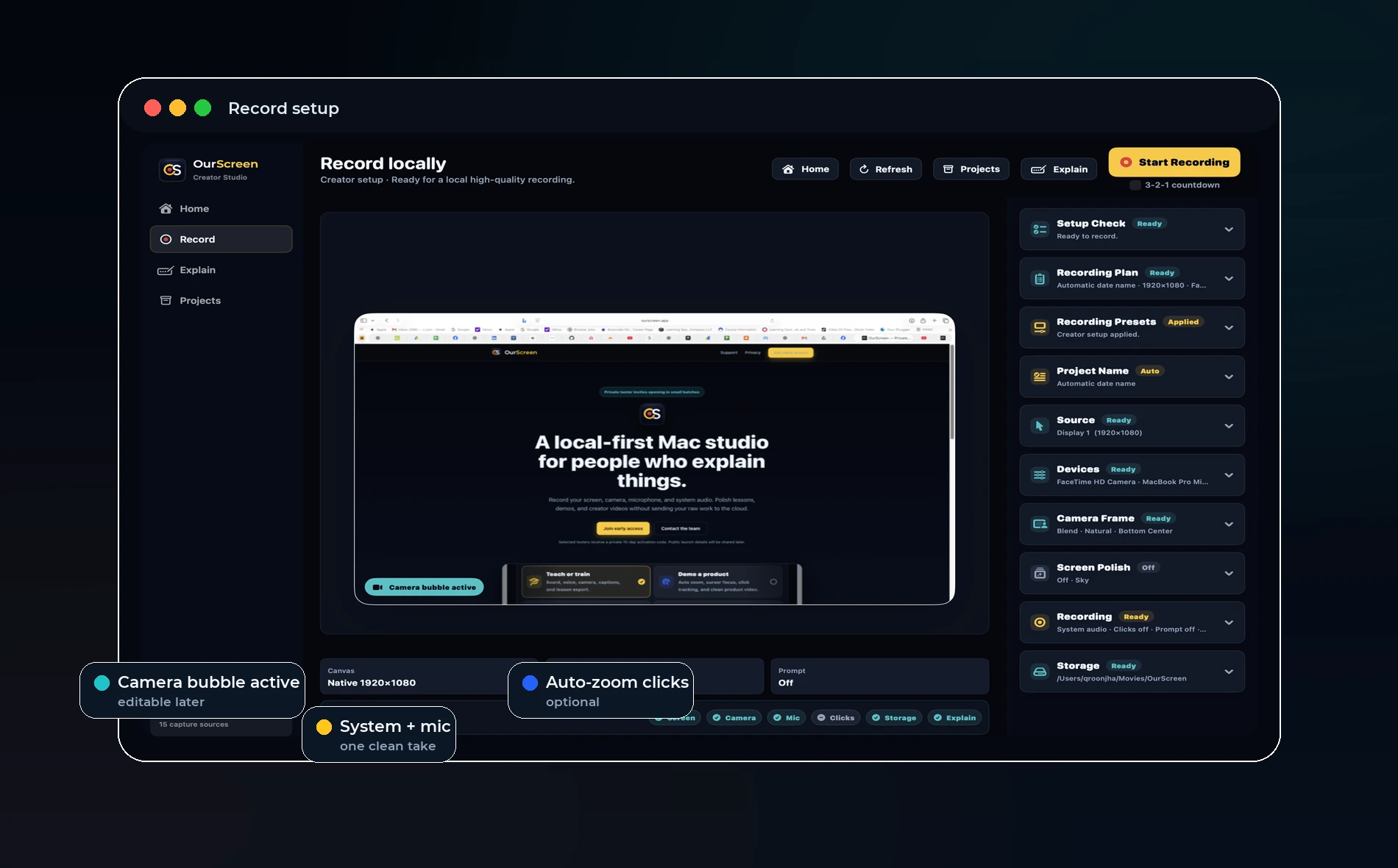
Direct answer: OBS is excellent for streaming and complex scenes, but teachers often need a simpler recorder that starts quickly, records locally, and opens directly into an editor.
Why OBS is popular
OBS is free, powerful, and trusted by streamers. It can handle scenes, sources, audio routing, and advanced output settings.
For technical users, that flexibility is a strength. For busy teachers, it can become setup work before every lesson.
What teachers usually need instead
Most teachers need screen, camera, voice, a simple board, captions, and a way to cut mistakes. They do not want to configure streaming scenes just to record a five-minute explanation.
A good teaching recorder should feel closer to a lesson tool than a broadcast studio.
OurScreen’s position
OurScreen is not trying to replace OBS for streamers. It is built for recorded lessons, walkthroughs, product demos, and local editing.
That means less setup, clearer defaults, and tools designed around explanation rather than live production.
When OBS is still better
Use OBS when you need live streaming, complex audio routing, many camera sources, or broadcast overlays. Use a simpler recorder when the goal is a clear edited lesson.
Try OurScreen: OurScreen is a local-first Mac studio for people who explain things. Join the pricing page if you want to test the signed Mac build.
FAQ
Is OBS too hard for teachers?
Not for everyone, but many teachers do not need its full complexity.
Can OurScreen replace OBS for streaming?
No. OurScreen is focused on recording and editing, not live broadcasting.