QuickTime alternative for screen, camera, and audio recording on Mac
Direct answer: QuickTime is fine for basic screen capture. A better alternative is needed when you want camera overlay, system audio, auto-zoom, captions, board tools, and editing in one place.
What QuickTime does well
QuickTime is already on the Mac, simple to open, and useful for quick screen recordings. If you only need a raw clip, it can be enough.
That simplicity is also the limitation. Once you need teaching polish, you usually need more than raw capture.
Where creators outgrow it
Teachers outgrow QuickTime when they need board explanations, captions, camera scenes, and edits. Founders outgrow it when product demos need zooms, branded backgrounds, and export sizes.
The problem is not QuickTime itself. The problem is stitching together multiple apps afterward.
What a strong alternative should include
Look for screen, camera, mic, system audio, simple editing, captions, zoom, and export options. Bonus points if the recording stays local until you choose to share it.
For many users, local-first is a major advantage because raw screen recordings can include private tabs, student details, or internal product information.
Where OurScreen fits
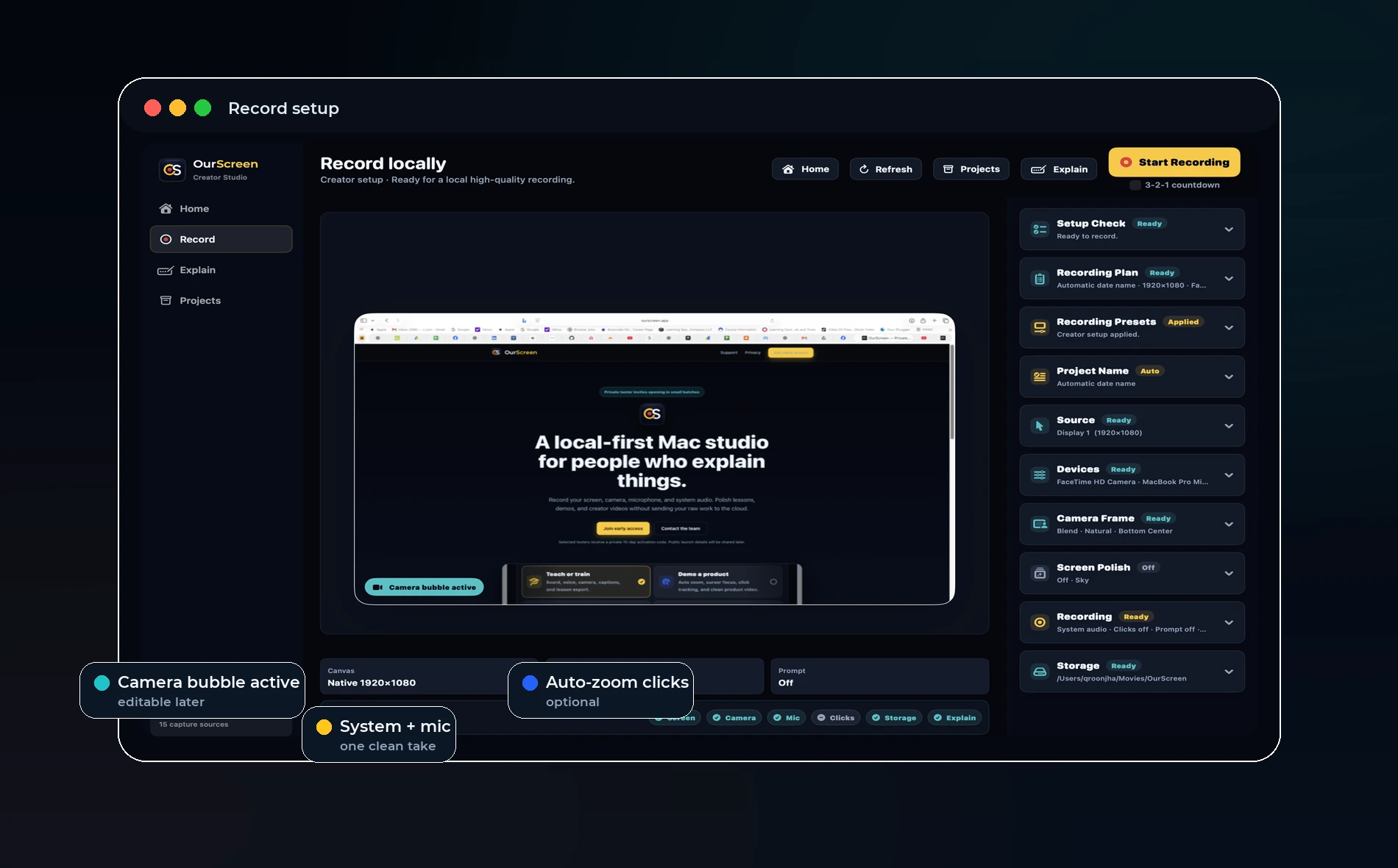
OurScreen is built for people who explain things. It starts where QuickTime stops: camera, voice, system audio, drawing, captions, and editor polish inside one Mac app.
Try OurScreen: OurScreen is a local-first Mac studio for people who explain things. Join the pricing page if you want to test the signed Mac build.
FAQ
Is QuickTime free?
Yes, QuickTime is included with macOS.
Why pay for another recorder?
Pay only if the time saved in editing, captions, camera, and export workflows matters to you.