Why screen recorders need full-screen preview before export
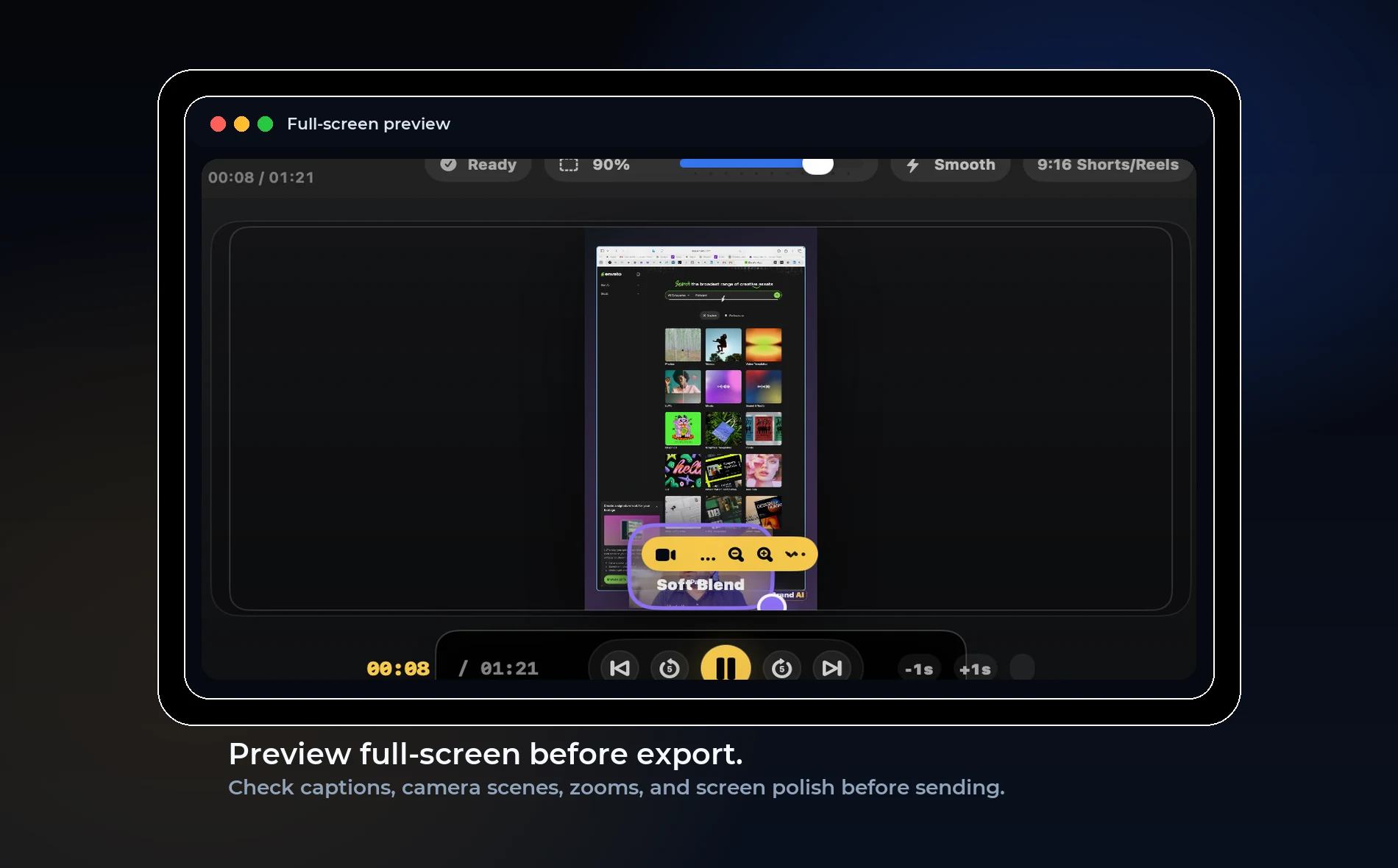
Direct answer: Full-screen preview catches problems the small editor canvas can hide: blurry text, bad caption placement, camera covering buttons, and zooms that feel too aggressive.
Why preview matters
A video can look acceptable inside the editor and still fail when watched full-screen or on a phone. Captions may be too high, camera may cover an important area, and screen text may be too small.
The final viewer does not see the timeline. They see the export. Preview should match that experience as closely as possible.
What to check
Watch at least one section full-screen before export. Check text readability, caption position, audio level, camera placement, zoom movement, and background style.
For vertical video, check on a narrow preview. For YouTube, check that the screen remains readable at normal viewing distance.
OurScreen’s opportunity
A full-screen preview option makes OurScreen feel more trustworthy because creators can judge the final video before waiting for export.
This is especially useful for Shorts, product demos, and lessons with small interface text.
Simple rule
If the viewer must read something, preview it at the size the viewer will actually see. If it is not readable, zoom or reframe before export.
Try OurScreen: OurScreen is a local-first Mac studio for people who explain things. Join the pricing page if you want to test the signed Mac build.
FAQ
Is full-screen preview the same as export?
Not exactly, but it is close enough to catch layout and readability issues before rendering.
Should every video be previewed?
At minimum, preview the first minute, one middle section, and the ending before publishing.